Release Notes 2.13
What's new
Delegated Group Management in Jira, or, in Confluence version 2.13 provides the following updates:
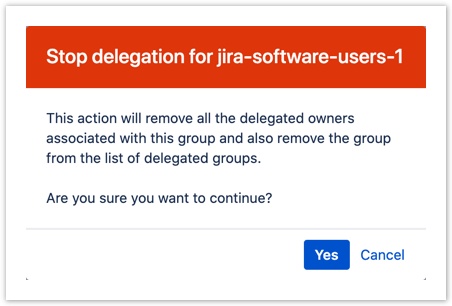
- A confirmation pop-up is displayed on selecting Stop delegation for a group. Click Yes in the confirmation pop-up to remove the group from the Delegated Group Management configuration page, or Cancel to abort the process.
- Users and groups are now indicated with the appropriate icons in the Delegated groups screen. The icons used to indicate a person (
 ) or a group (
 ) are similar to those used in the native Jira/Confluence resources.

Resolved issues